Client settings to control displays, privacy, and security
Last updated: September 4, 2026
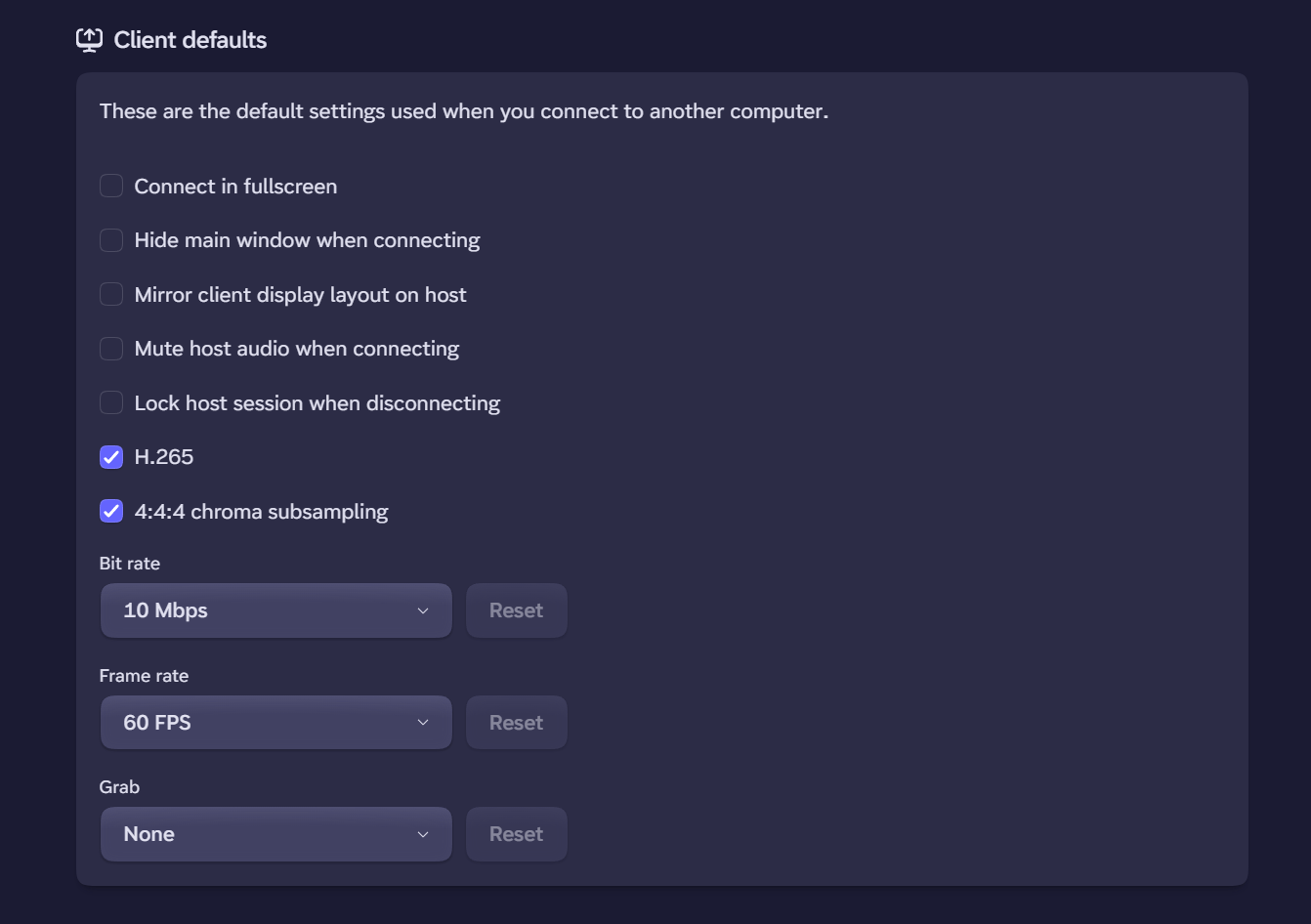
Inside the settings on your client, you can choose several settings that manage the privacy of your connections.
If you installed Phaze prior to September 4, 2026, you will need to reinstall Phaze to get the Phaze virtual display driver.
Host Privacy Mode
Privacy mode is set as a combination of using the mirror client display layout on host, mute host audio when connecting, and locking host session when disconnecting. The combination of these three is considered "privacy mode."
Host Muting
This setting mutes the sound on the host. While connected, there is no way to turn the sound on, even if someone is sitting at the host computer.
Locking Host on Disconnect
In case you forget to lock your Windows PC when you disconnect on Phaze, you can ensure the machine locks when you close the connection. The next time you connect, you will need to unlock the Windows user.