Mirroring Displays
Last updated: September 8, 2026
If you installed Phaze prior to September 4, 2026, you will need to reinstall Phaze on the host computer to enable the Phaze virtual display driver that enables display mirroring and privacy mode.
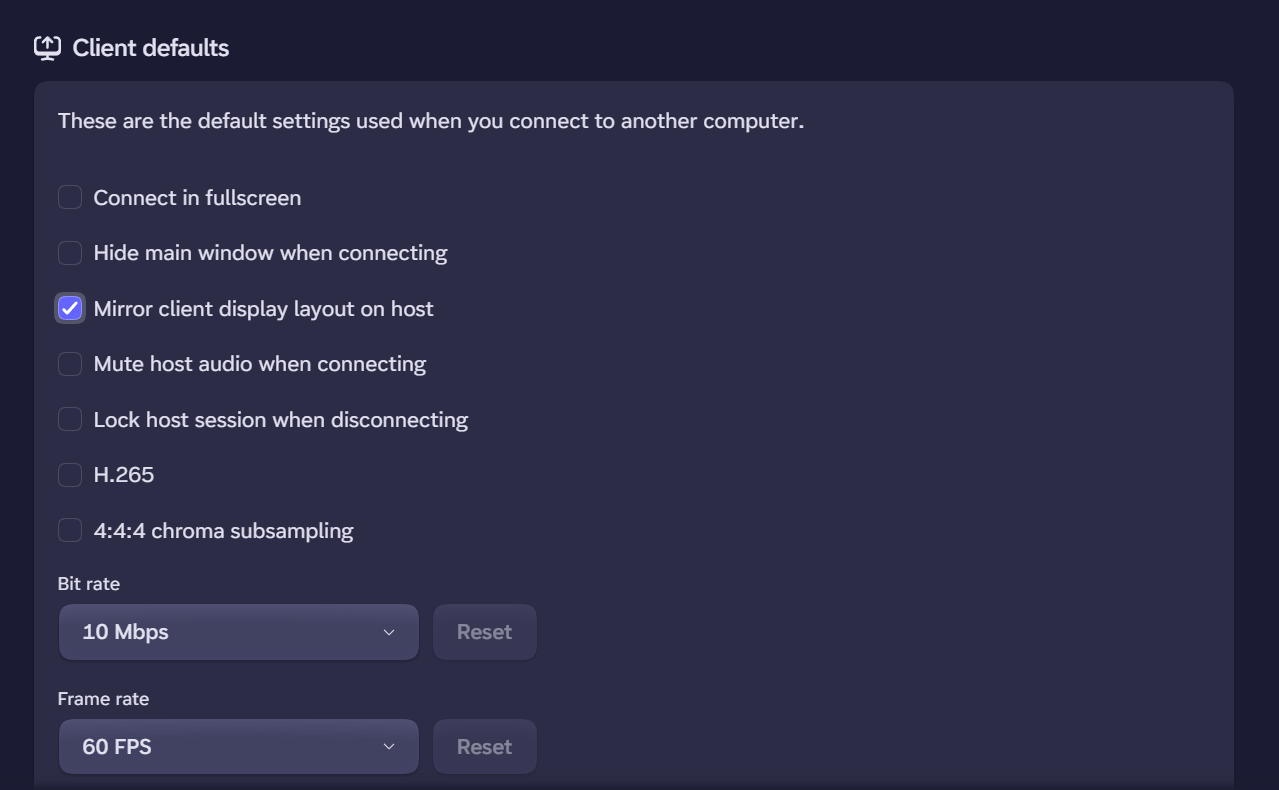
Phaze aims to create a connection to another device that feels as local as possible. To do that, Phaze allows the person assigned ownership of a machine to mirror their client displays when connecting. The idea is that Phaze will honor the display settings on the client when creating virtual displays on the host. This will attempt to match the orientation, aspect ratio, resolution, native display scaling (not custom DPI settings), and refresh rate of the client displays. Turn this on in your client settings. The setting is called, "Mirror client display layout on host."
Known Limitations on Display Mirroring
How it works
When enabled, the host machine's local monitors are replaced with virtual ones created to match the client's display layout. This blanks and disables the host's local monitors so that stream contents are kept private from anyone in the same room as the host machine, and can also provide displays for Phaze streams to hosts that otherwise have none.
Once you connect, and the displays have been set up, your client will open each new virtual host display on its matching client display in full-screen. You may open and close the windows as you please on the client, but the displays will still remain on the host until you end the stream.
Scaling and HDR
If you have changed your DPI scaling from its default on a client display, this will not currently be mirrored on the associated host virtual display, which will instead default to the appropriate 'native' DPI scaling.
Additionally, mirroring the HDR capability of your client display is not currently supported.
Closing and re-opening screens
Closing a screen while using Display Mirroring does not remove the associated virtual display from the host machine.
You may re-open a closed screen at any time through the in-session menu by clicking "Open" on the desired screen. This will open the screen in a window on your primary display. If you re-open a screen that was fullscreen at the time it was closed, it may open in fullscreen again on the primary monitor.
Other current limitations
Display Mirroring can only handle up to four client displays. Clients with five or more displays will not be able to use the feature currently.
This feature will always open all mirrored displays in fullscreen on their respective client displays once applied.
It is not currently possible to exclude or adjust specific client monitors in the layout.